Choose the apps
Pick the apps that pull you away from school, deep work, or the task you keep delaying.
 LockTok
Study first. Phone later.
LockTok helps you choose distracting apps, start a real focus window, prove you began, and keep your phone quieter while you study or work.
Support: sebastian@rework.no
How it works
Pick the apps that pull you away from school, deep work, or the task you keep delaying.
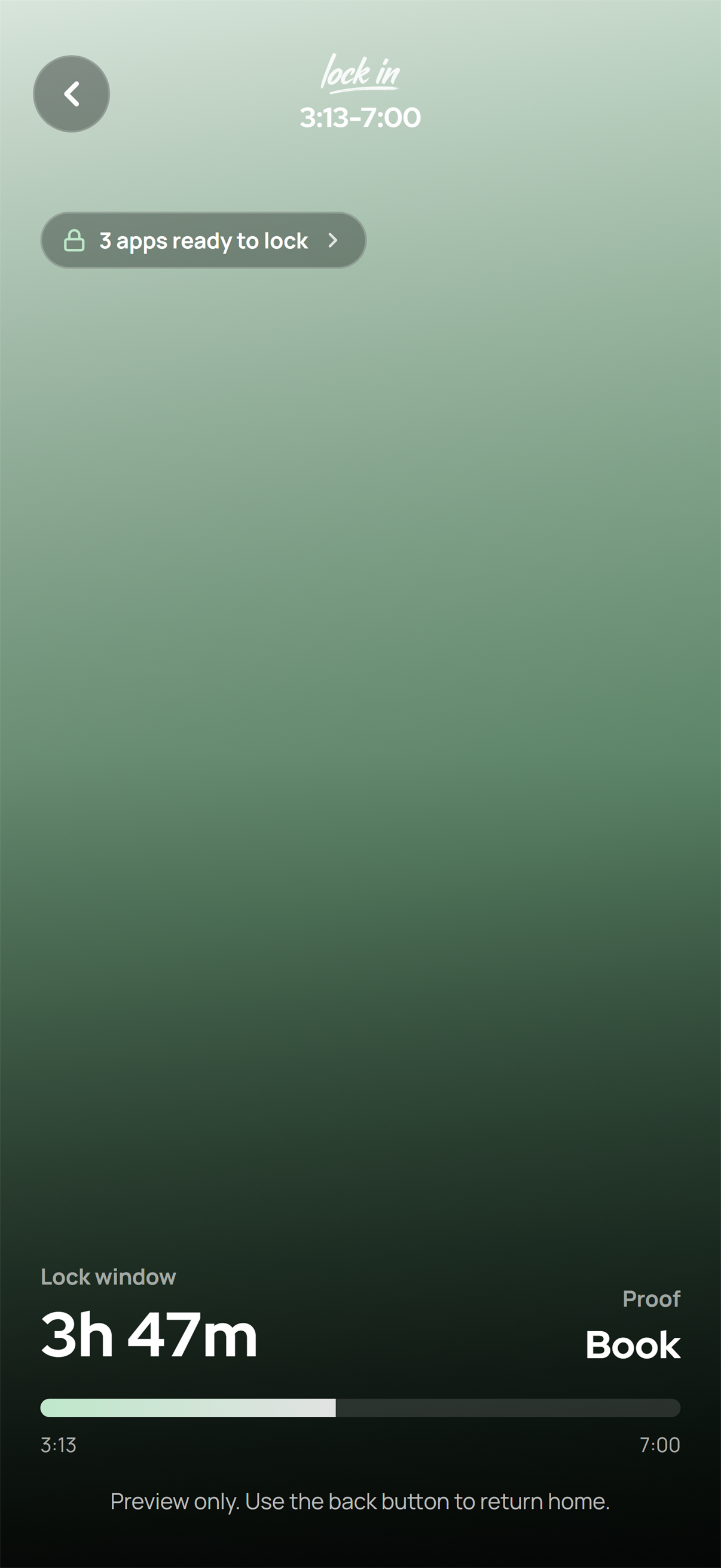
LockTok keeps selected apps quiet during the focus window so you can get past the hardest part: starting.
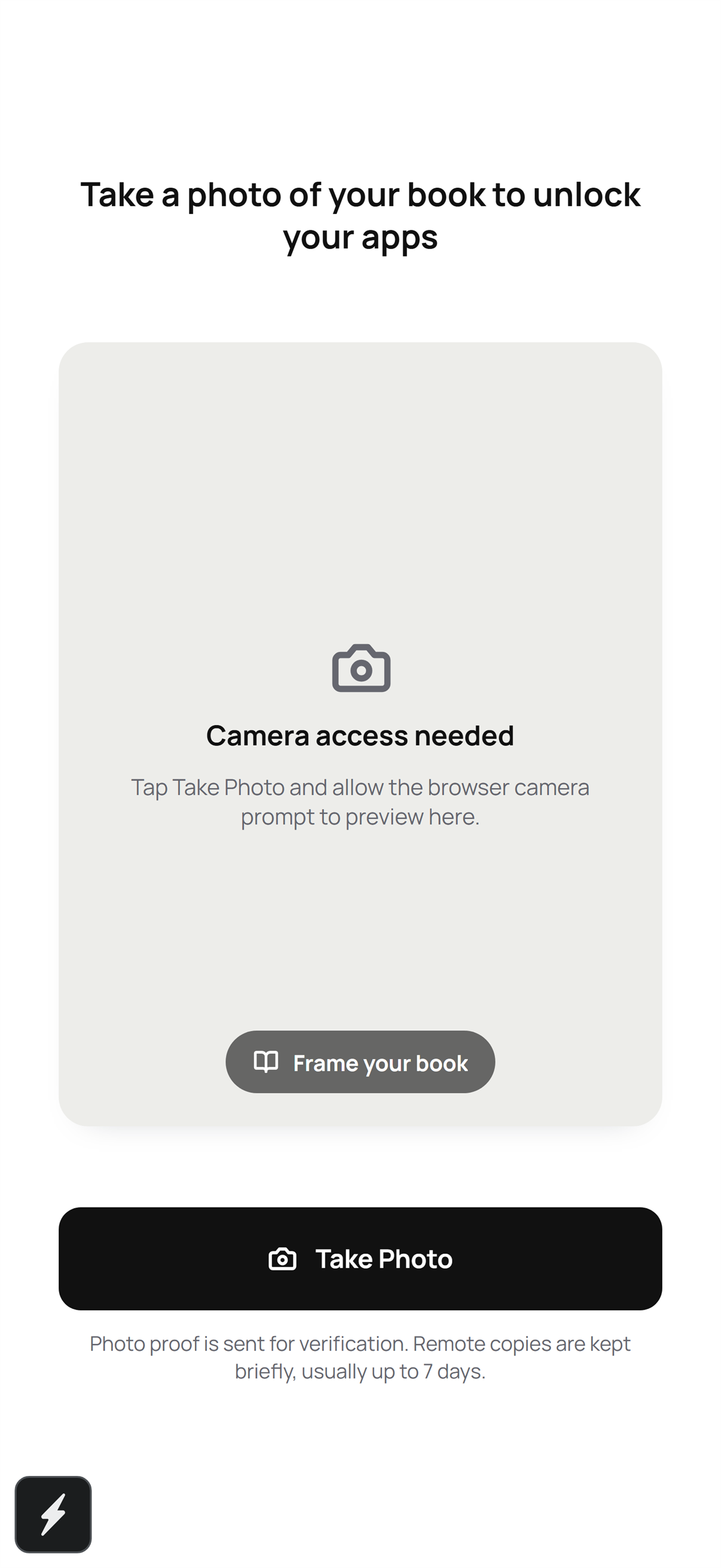
Use a proof mode like book, notes, desk, laptop, or camera proof to confirm you are actually doing the work.
Built for real focus days
LockTok is not about guilt or endless streak pressure. It is a practical blocker for the moment your phone usually wins.
Set up your distracting apps and keep them out of reach when a LockTok session is active.
Confirm the work started with proof that matches your routine: books, notes, desk setup, laptop, or another supported mode.
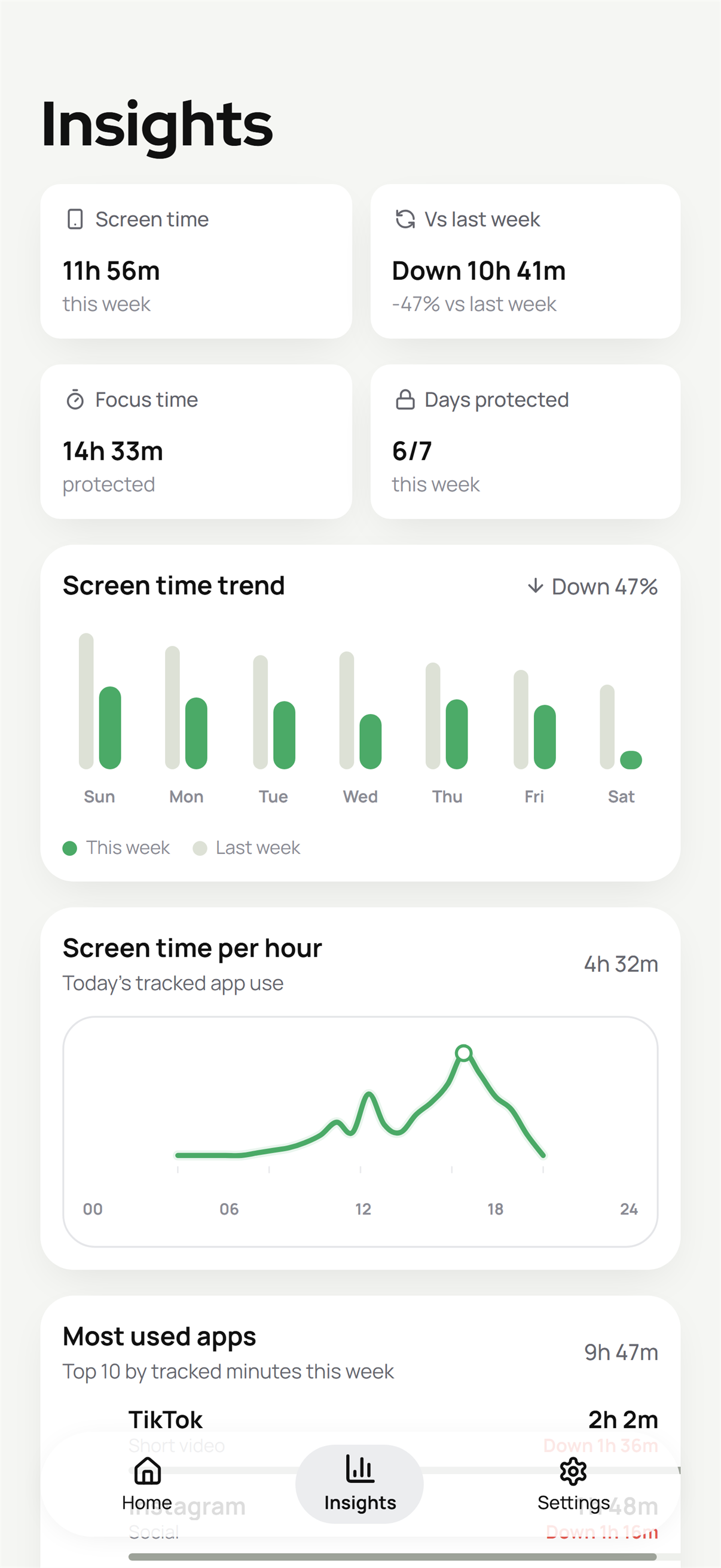
Review screen-time direction, protected focus time, streaks, and recent sessions without turning the app into another feed.
Proof first
Privacy, terms, and support
Review the current Privacy Policy and Terms of Service, or reach support for account, subscription, setup, deletion, or privacy questions.